Bots
Webhooks
What are webhooks?
Webhooks are a method for websites and applications to communicate with each other in real-time. They enable seamless integration between different platforms by sending data instantly when a specific event occurs. Instead of constantly polling for updates.
How do I setup webhooks?
Webhooks are configured per bot so first visit /app/bots to select a bot & click the tab for Webhooks. Then, to add a new webhook click the Setup button.
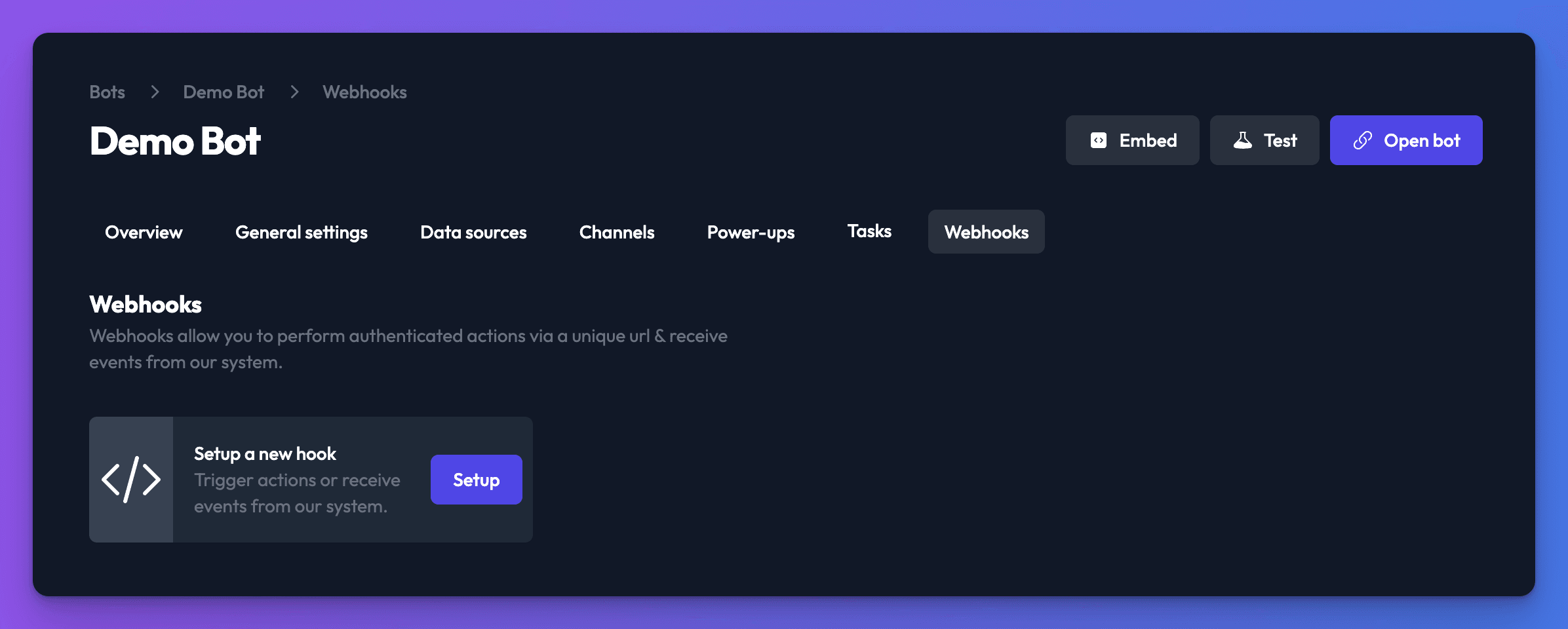
Available webhooks
Sync trigger hook
This hook allows a remote system to trigger a sync on one of your bots data sources.
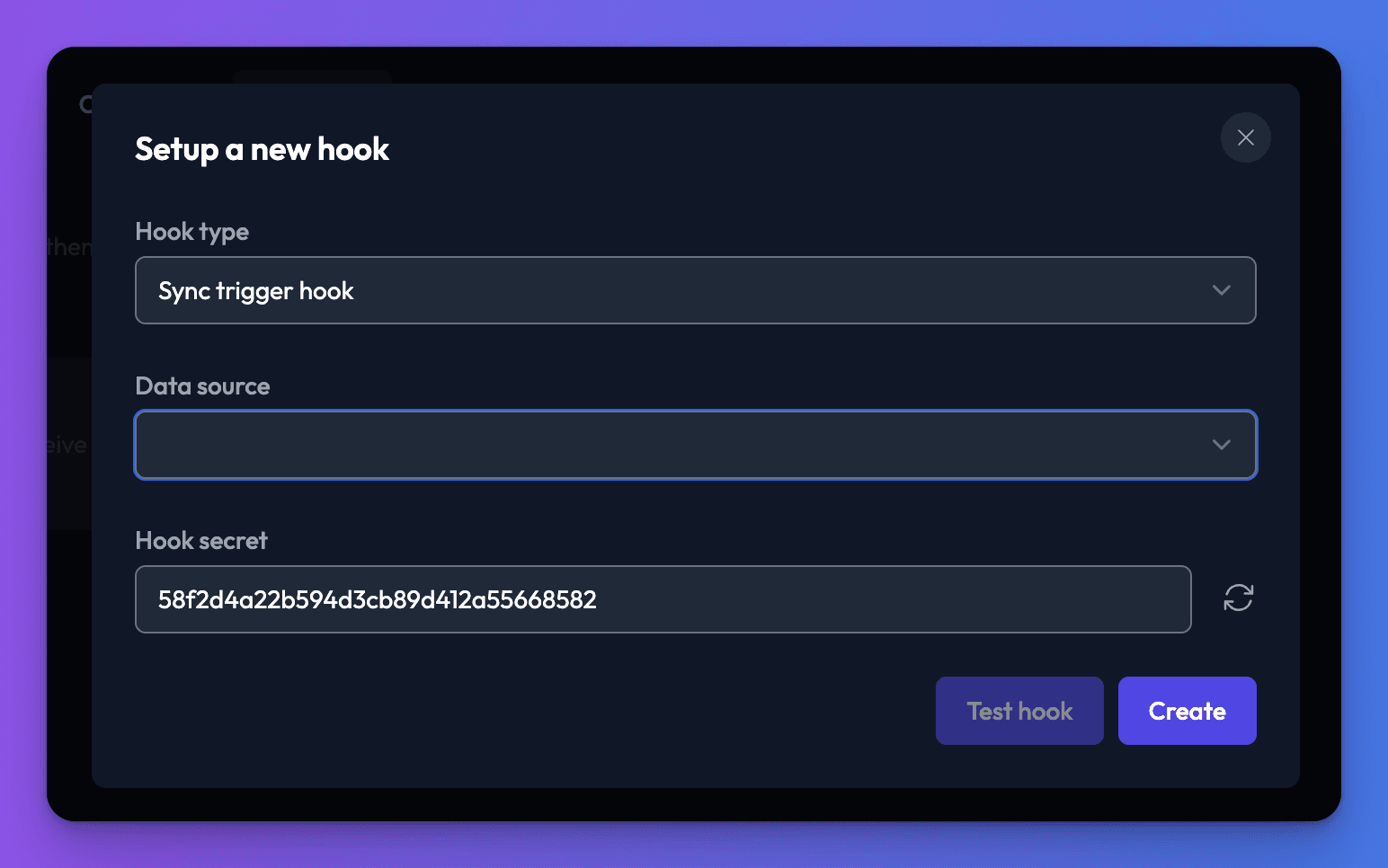
For this hook, you'll need to select a data source via the dropdown.
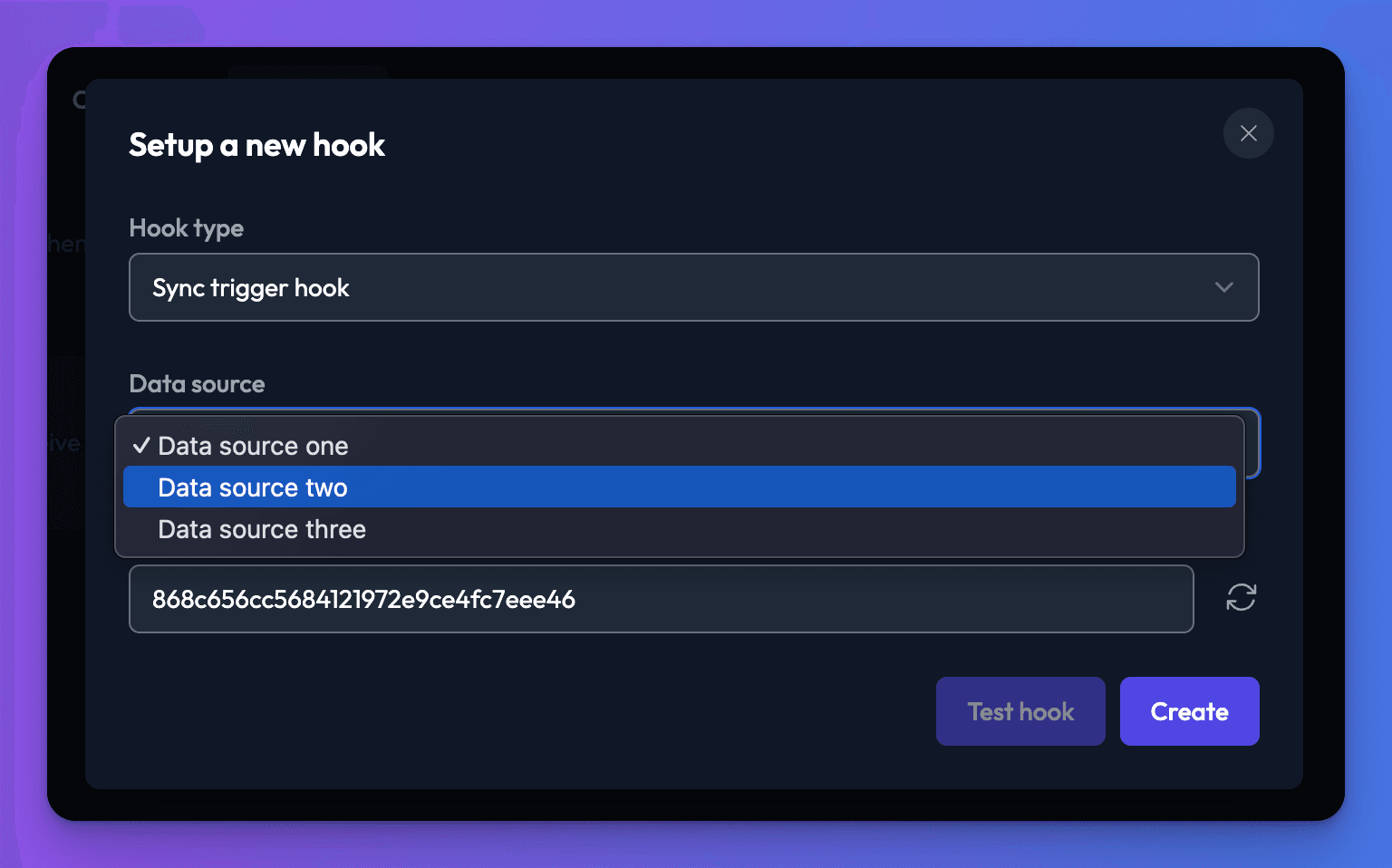
Once you've made a selection, click the Create button, this will generate a unique url for this hook. Making a GET request to this URL will trigger a sync.
curl --request GET \
  --url https://chatthing.ai/api/public/hooks/38362dae-a2b4-4484-8ced-920082a40b45/14e6c7131ce0465cb46ec109e7de0719
fetch(
  "https://chatthing.ai/api/public/hooks/38362dae-a2b4-4484-8ced-920082a40b45/14e6c7131ce0465cb46ec109e7de0719",
  { method: "GET" }
)
  .then((response) => response.json())
  .then((response) => console.log(response))
  .catch((err) => console.error(err));
import requests

url = "https://chatthing.ai/api/public/hooks/38362dae-a2b4-4484-8ced-920082a40b45/14e6c7131ce0465cb46ec109e7de0719"

response = requests.request("GET", url, data="")

print(response.text)
Response
The response will include the following information:
- success (boolean): Indicates whether the request was successful or not.
Example response:
{
  "success": true
}
Always keep this URL secret since anyone who has it, can trigger a sync against your data source. Remember you can change the hook secret at any time & doing so, will invalidate any previously generated URL's. You can enter your own secret or click the icon to the right of the input to automatically generate a new secret.

After clicking the Update button, the previous URL will be invalidated and a new URL generated in it's place, be sure to use the new url going forward.
Sync success hook
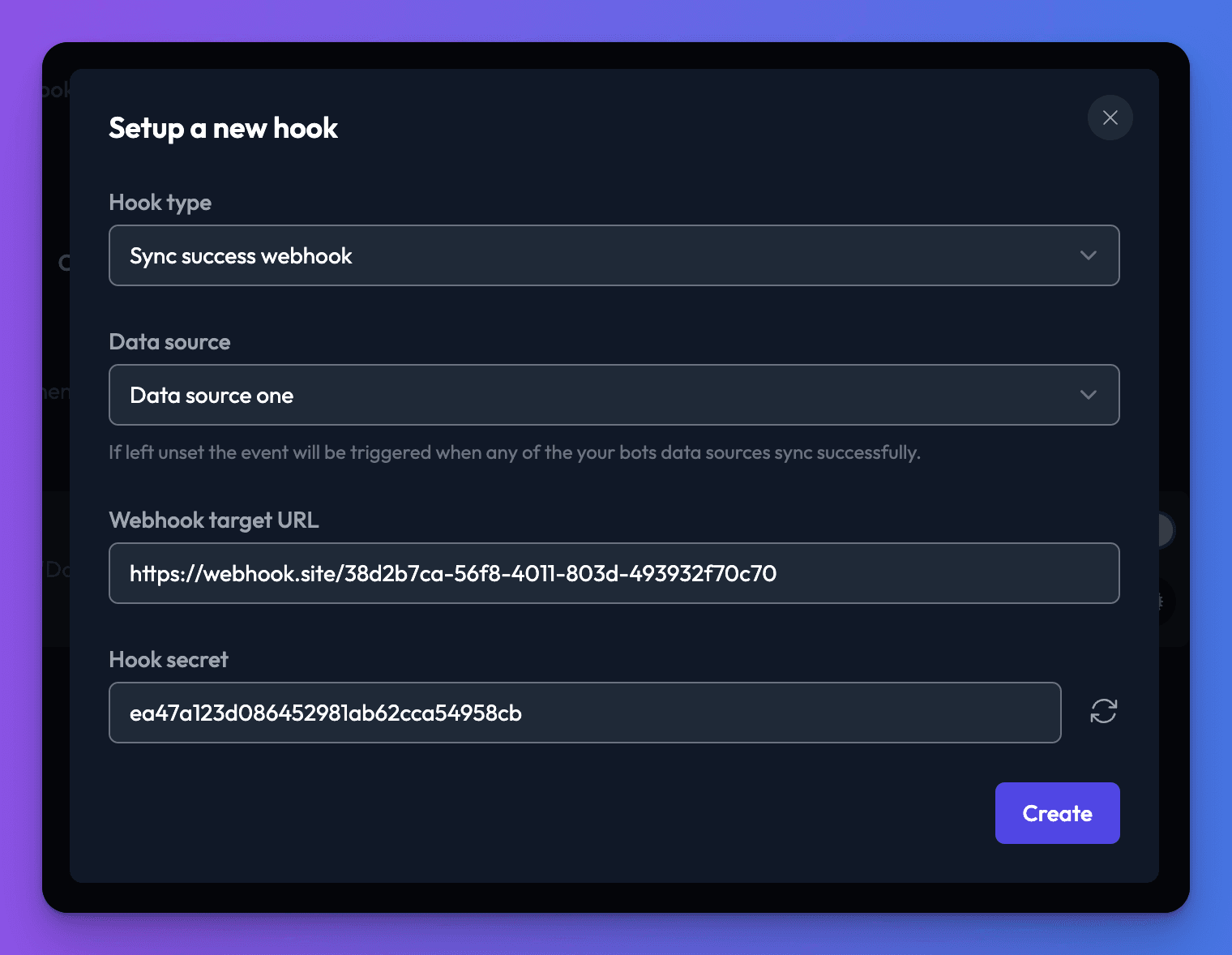
This hook allows a remote system to receive an event indicating a data source was synced successfully. If you don't specify a data source you'll receive an event via this webhook when any of the bots data sources sync successfully. If you select a data source then the hook will only receive an event when the specified data source is successfully synced.
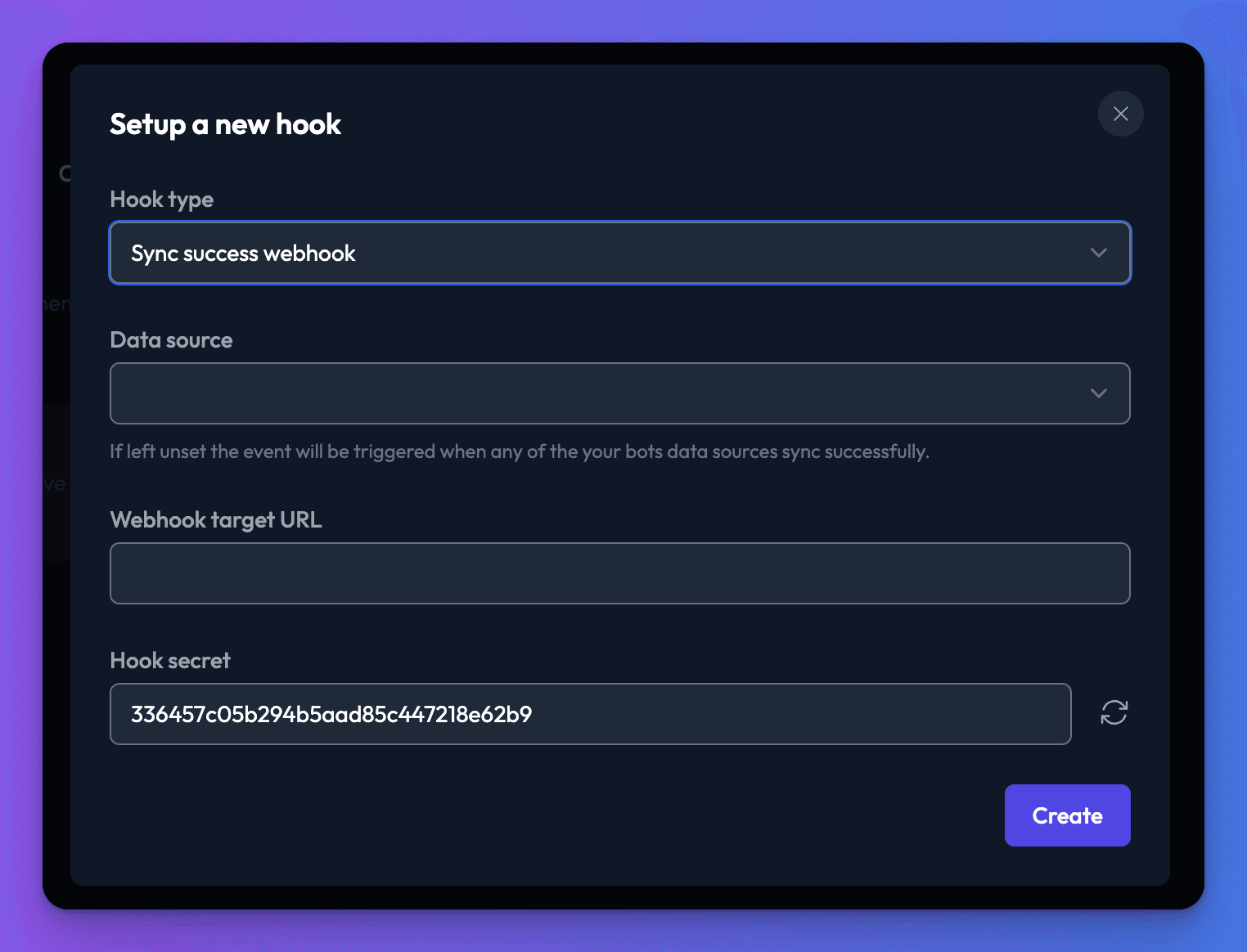
To get up and running quickly why not take advantage of the following site https://webhook.site it generates a unique url which you can use to check event is triggered as you expect.
After providing a target URL click the Create button to setup the hook.
Hook payload
The target URL you provided for this hook will receive a POST containing the following JSON structure.
- success (boolean): Indicates whether the request was successful or not.
- results (object): structure explaining
- totalTokens (number): the total number of storage tokens consumed by this sync
- modifiedRows (number): the number of rows which have changed since the last sync
- totalDocuments (number): the total number of individual documents relating to this data source
- unmodifiedRows (number): the number of rows which haven't changed since the last sync
- totalDataSourceRows (number): the number of data source rows
- bot (string): the name of the bot
- dataSource (string): the name of the data source
Example body:
{
  "success": true,
  "results": {
    "totalTokens": 241245,
    "modifiedRows": 15,
    "totalDocuments": 20,
    "unmodifiedRows": 0,
    "totalDataSourceRows": 15
  },
  "bot": "Testing bot",
  "dataSource": "Data source one"
}
Sync failure hook
This hook allows a remote system to receive an event indicating a data source experienced an issue during syncing. If you don't specify a data source you'll receive an event via this webhook when any of the bots data sources fail to sync. If you select a data source then the hook will only receive an event when the specified data source fails to sync.
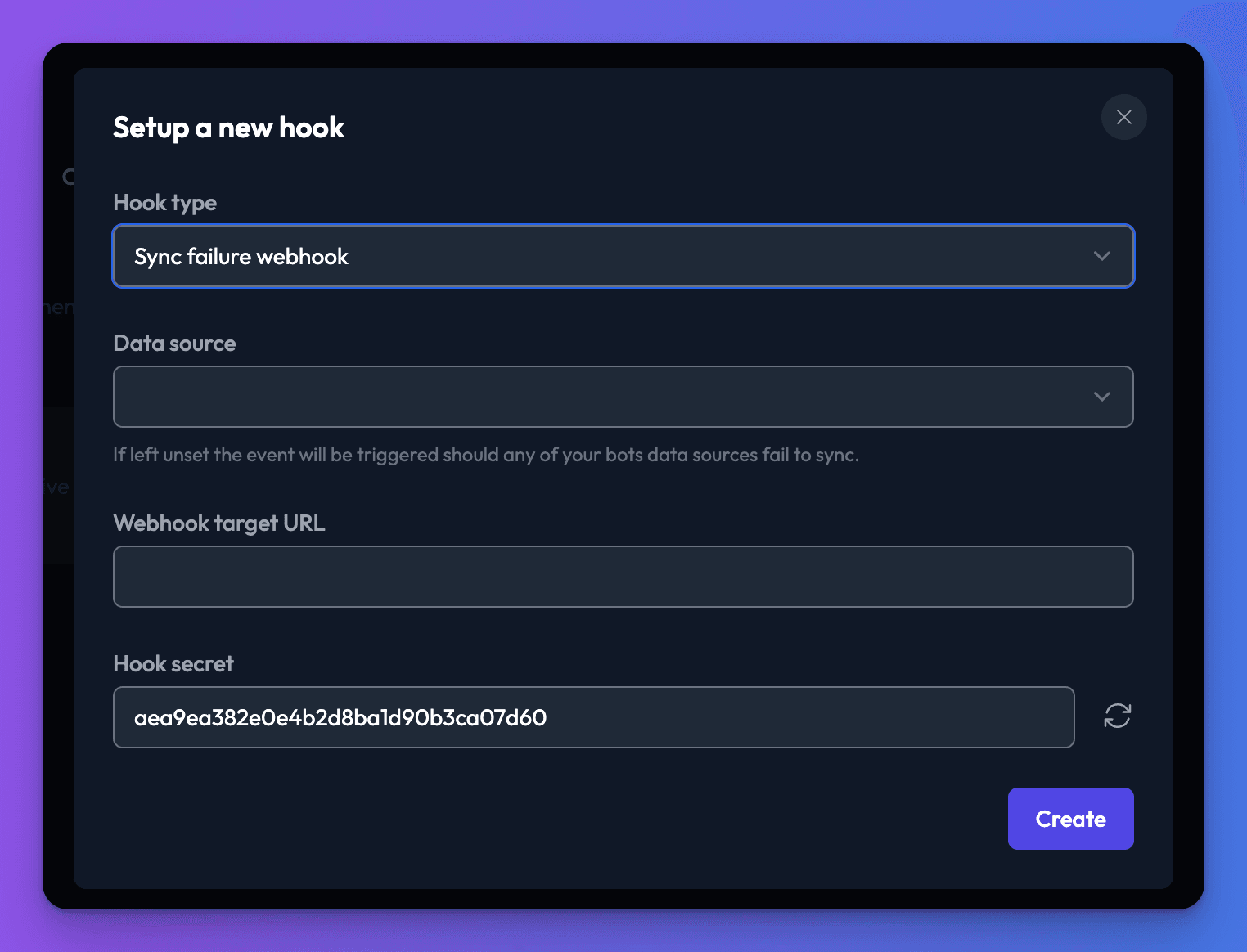
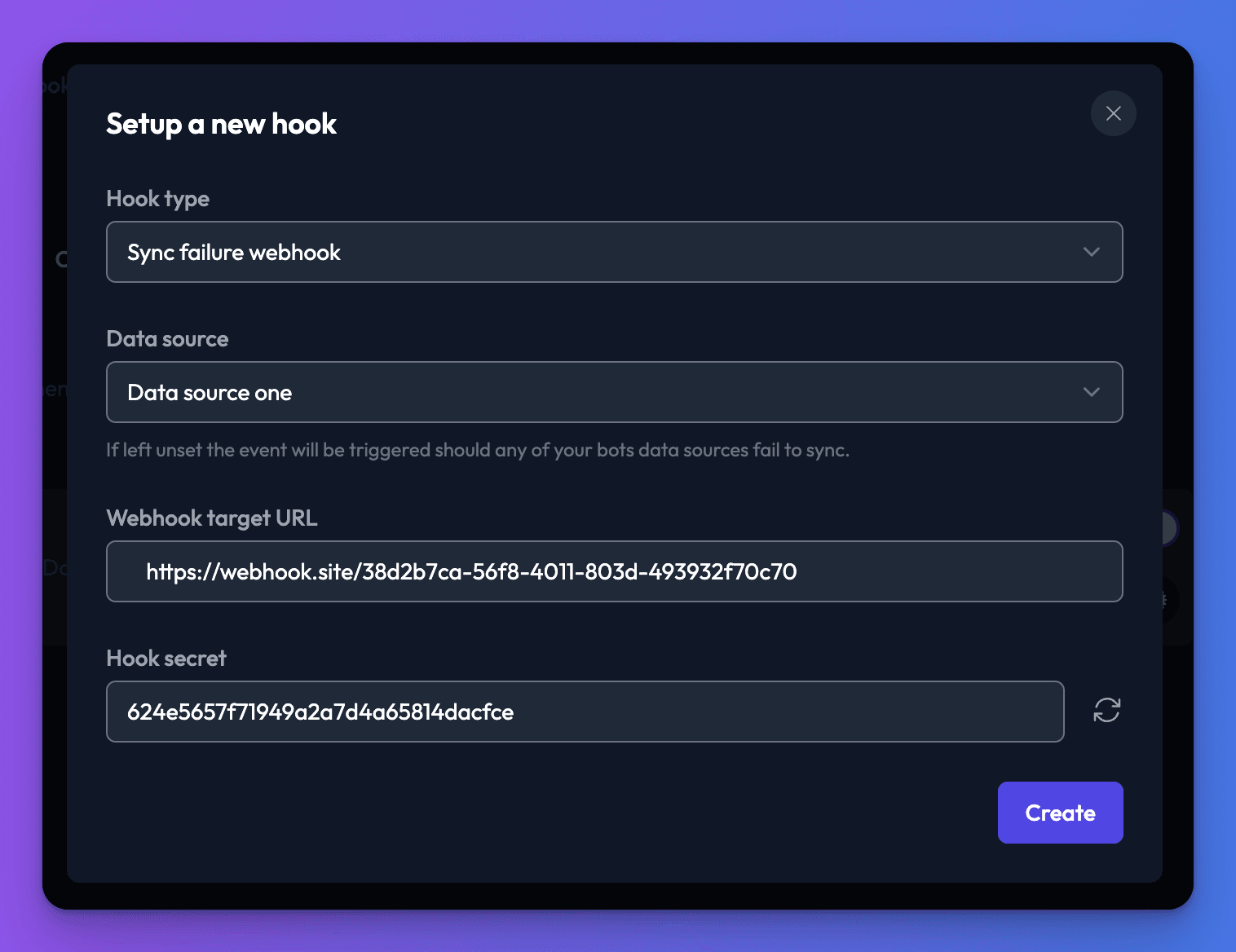
To get up and running quickly why not take advantage of the following site https://webhook.site it generates a unique url which you can use to check event is triggered as you expect.
After providing a target URL click the Create button to setup the hook.
Hook payload
The target URL you provided for this hook will receive a POST containing the following JSON structure.
- success (boolean): Indicates whether the request was successful or not.
- reason (string): the reason why your data source failed to sync
- bot (string): the name of the bot
- dataSource (string): the name of the data source
Example body:
{
  "success": false,
  "reason": "Over plan storage token limit, please upgrade plan",
  "bot": "Testing bot",
  "dataSource": "Data source one"
}
Conversation webhooks
These webhooks fire during the conversation lifecycle. They are useful for integrating with CRMs, ticketing systems, and monitoring tools. To learn more about the conversation lifecycle and human takeover, see Human takeover.
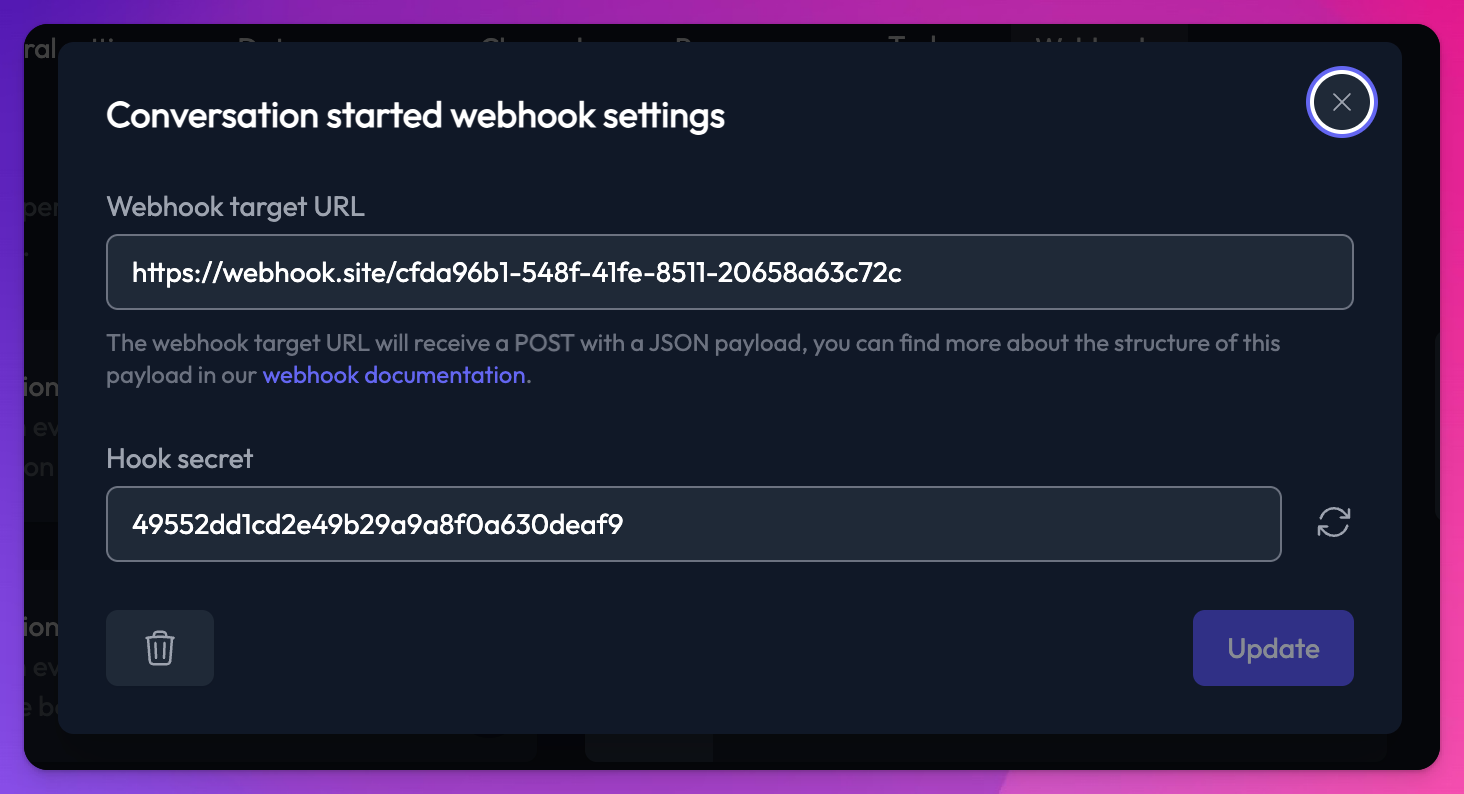
All conversation webhooks send a POST request to your target URL with a JSON payload and an X-Secret-Key header containing your hook secret.
Conversation started hook
This hook fires when a new conversation is created with your bot.
Hook payload
- event (string):
"conversation.started" - timestamp (string): ISO 8601 timestamp
- conversation (object):
- id (string): the conversation ID
- botId (string): the bot ID
- botName (string): the name of the bot
- initialMessage (string) optional
- channelType (string): the channel type (e.g.
"web","slack") - createdAt (string): ISO 8601 timestamp of when the conversation was created
Example body:
{
  "event": "conversation.started",
  "timestamp": "2026-03-10T12:00:00.000Z",
  "conversation": {
    "id": "abc-123",
    "botId": "def-456",
    "botName": "My Bot",
    "channelType": "web",
    "initialMessage": "What are your opening times?",
    "createdAt": "2026-03-10T12:00:00.000Z"
  }
}
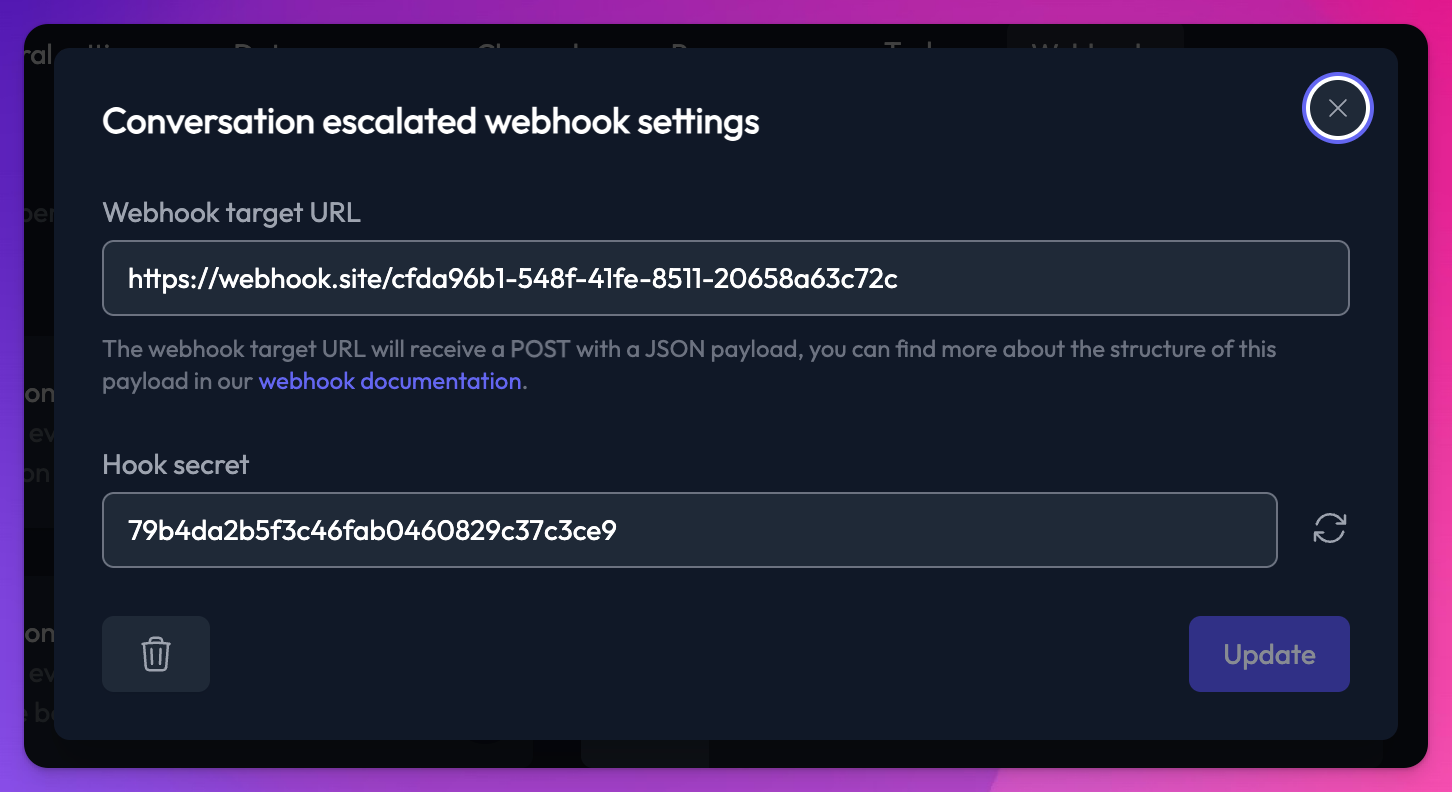
Conversation escalated hook
This hook fires when a user requests to speak to a human agent (via the "Talk to a human" function). This only fires for web channel conversations with human takeover enabled.
Hook payload
- event (string):
"conversation.escalated" - timestamp (string): ISO 8601 timestamp
- conversation (object):
- id (string): the conversation ID
- botId (string): the bot ID
- botName (string): the name of the bot
- channelType (string): the channel type
- state (string):
"Escalated" - userData (object): any user data collected during the conversation
- userEmail (string): the email address provided by the user
Example body:
{
  "event": "conversation.escalated",
  "timestamp": "2026-03-10T12:05:00.000Z",
  "conversation": {
    "id": "abc-123",
    "botId": "def-456",
    "botName": "My Bot",
    "channelType": "web",
    "state": "Escalated",
    "userData": {}
  },
  "userEmail": "user@example.com"
}
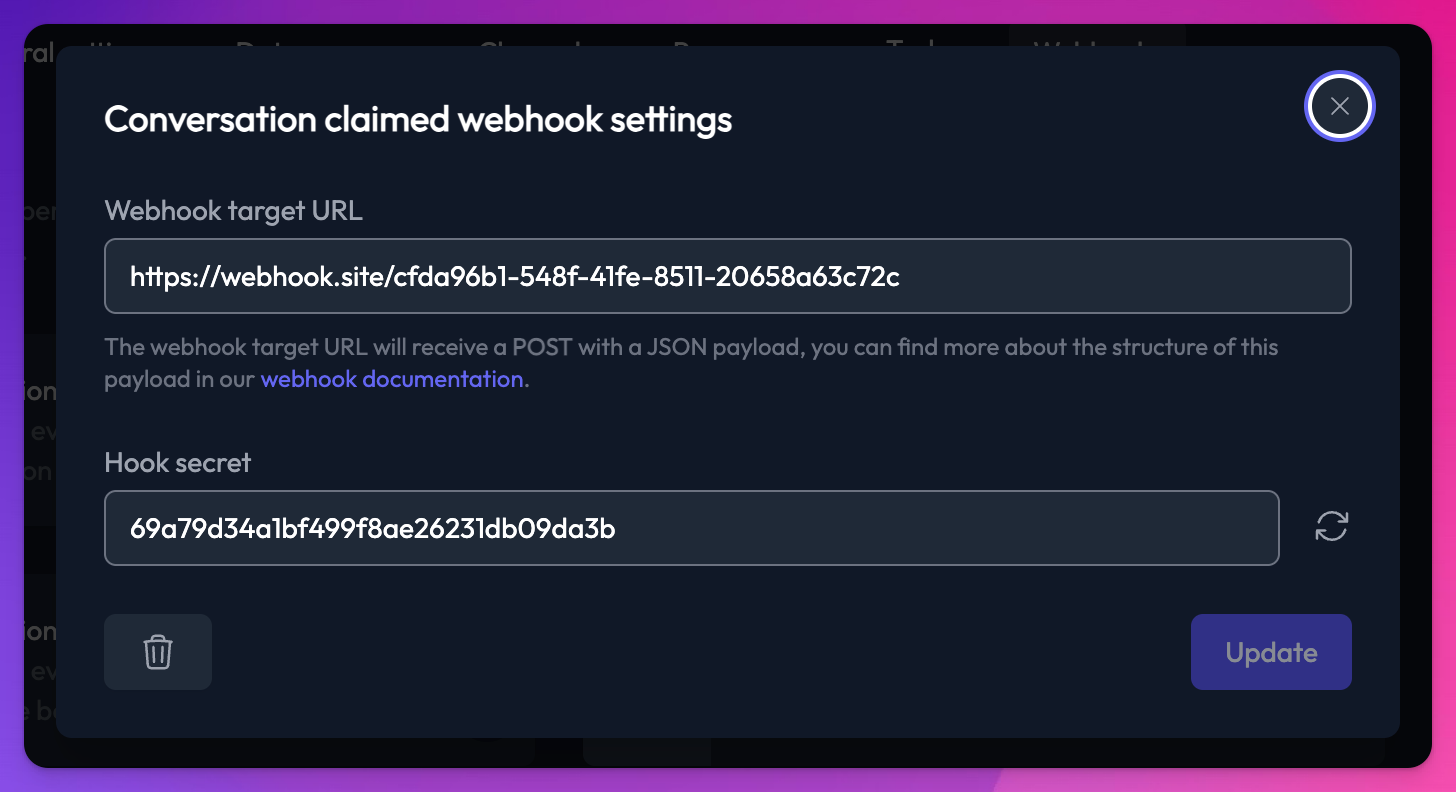
Conversation claimed hook
This hook fires when an agent claims (takes over) a conversation.
Hook payload
- event (string):
"conversation.claimed" - timestamp (string): ISO 8601 timestamp
- conversation (object):
- id (string): the conversation ID
- botId (string): the bot ID
- botName (string): the name of the bot
- channelType (string): the channel type
- state (string):
"Active"
- agent (object):
- name (string): the agent's display name
- email (string): the agent's email address
Example body:
{
  "event": "conversation.claimed",
  "timestamp": "2026-03-10T12:10:00.000Z",
  "conversation": {
    "id": "abc-123",
    "botId": "def-456",
    "botName": "My Bot",
    "channelType": "web",
    "state": "Active"
  },
  "agent": {
    "name": "Jane",
    "email": "jane@example.com"
  }
}
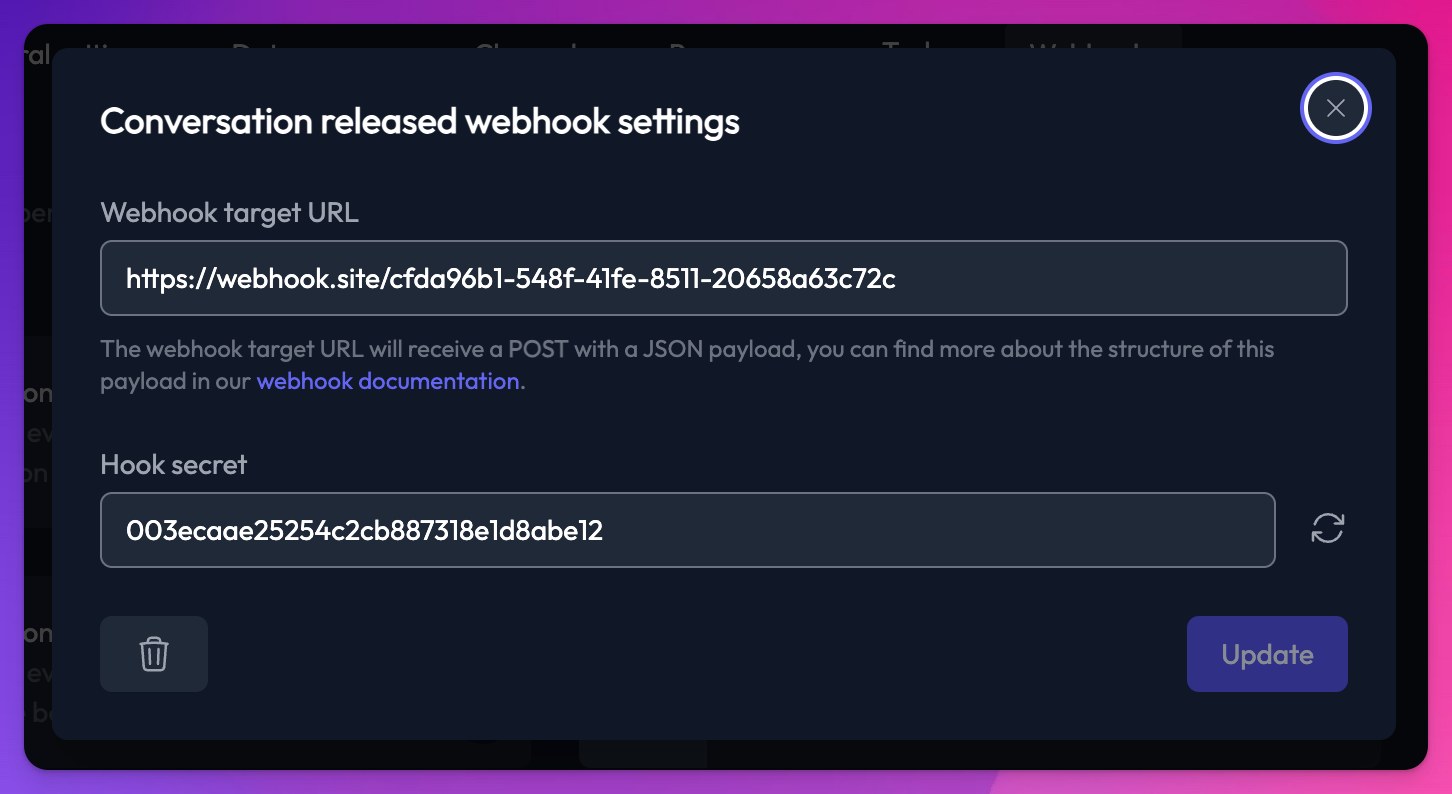
Conversation released hook
This hook fires when an agent hands a conversation back to the bot (releases it).
Hook payload
- event (string):
"conversation.released" - timestamp (string): ISO 8601 timestamp
- conversation (object):
- id (string): the conversation ID
- botId (string): the bot ID
- botName (string): the name of the bot
- channelType (string): the channel type
- state (string):
"Resolved"
- agent (object):
- name (string): the agent's display name
Example body:
{
  "event": "conversation.released",
  "timestamp": "2026-03-10T12:15:00.000Z",
  "conversation": {
    "id": "abc-123",
    "botId": "def-456",
    "botName": "My Bot",
    "channelType": "web",
    "state": "Resolved"
  },
  "agent": {
    "name": "Jane"
  }
}
Didn't find what you were looking for? We're always looking to improve Chat Thing, so if you need a webhook which isn't described above please email us: support@chatthing.ai