Channels
Telegram
The Telegram Channel allows your users to interact with your bot via the Telegram messaging app.
The Telegram integration lets you deploy your AI bot as a Telegram bot that anyone can chat with. Once connected, users can message your bot directly in Telegram and receive AI-powered responses based on your bot's knowledge base and configuration.
Telegram quick start
If you want to get set up with Telegram quickly, check out the video below:
Creating the Telegram channel
Before you start
The Telegram integration is only available on Standard, Pro and Enterprise plans.
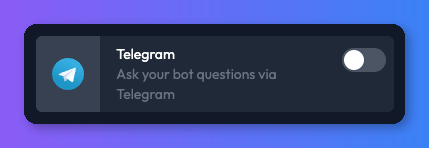
- From your bot dashboard, go to the Channels tab and enable the Telegram channel by clicking its toggle switch.
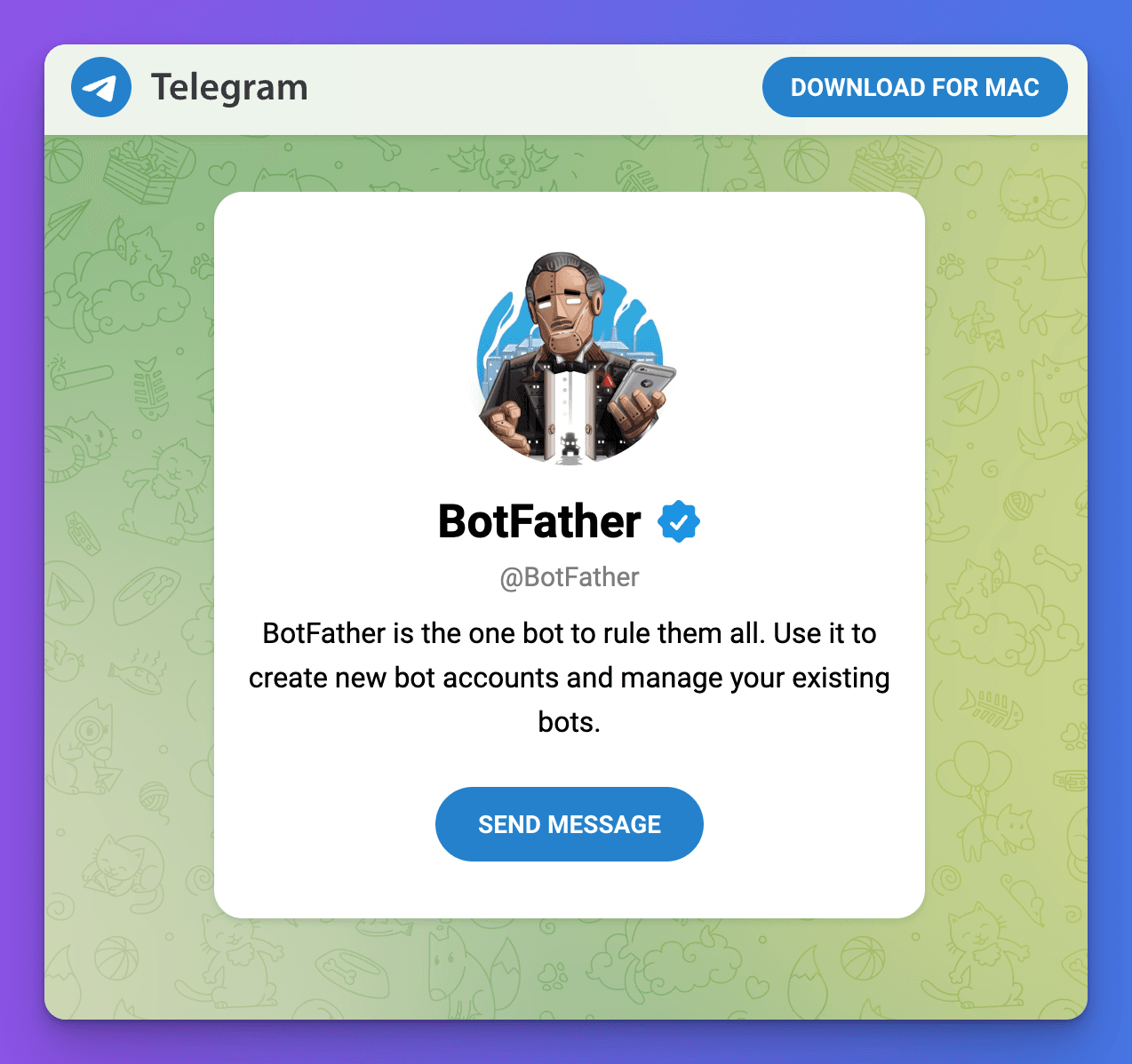
- Next, you need to click on the following link https://t.me/BotFather to start a conversation with Telegram's BotFather. This little bot allows you to create and manage bots in Telegram.
After opening the link, click on the "SEND MESSAGE" button and open the Telegram application when prompted.
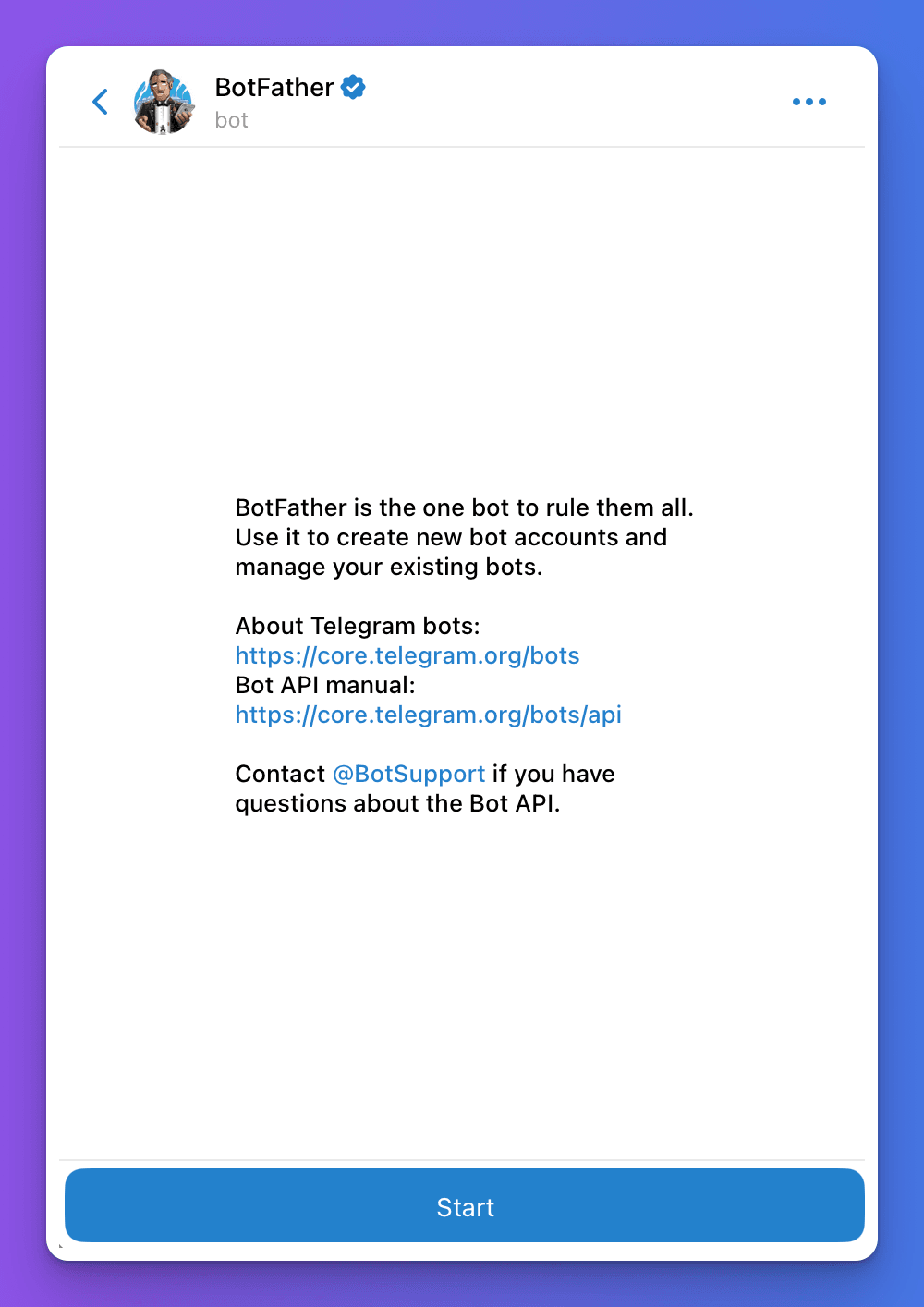
- Next, click on the "Start" button.
- You'll then be presented with a list of options. For now, we'll just focus on the minimum to get you up and running, but be sure to come back and use these commands to set things like your bot's description and profile picture.
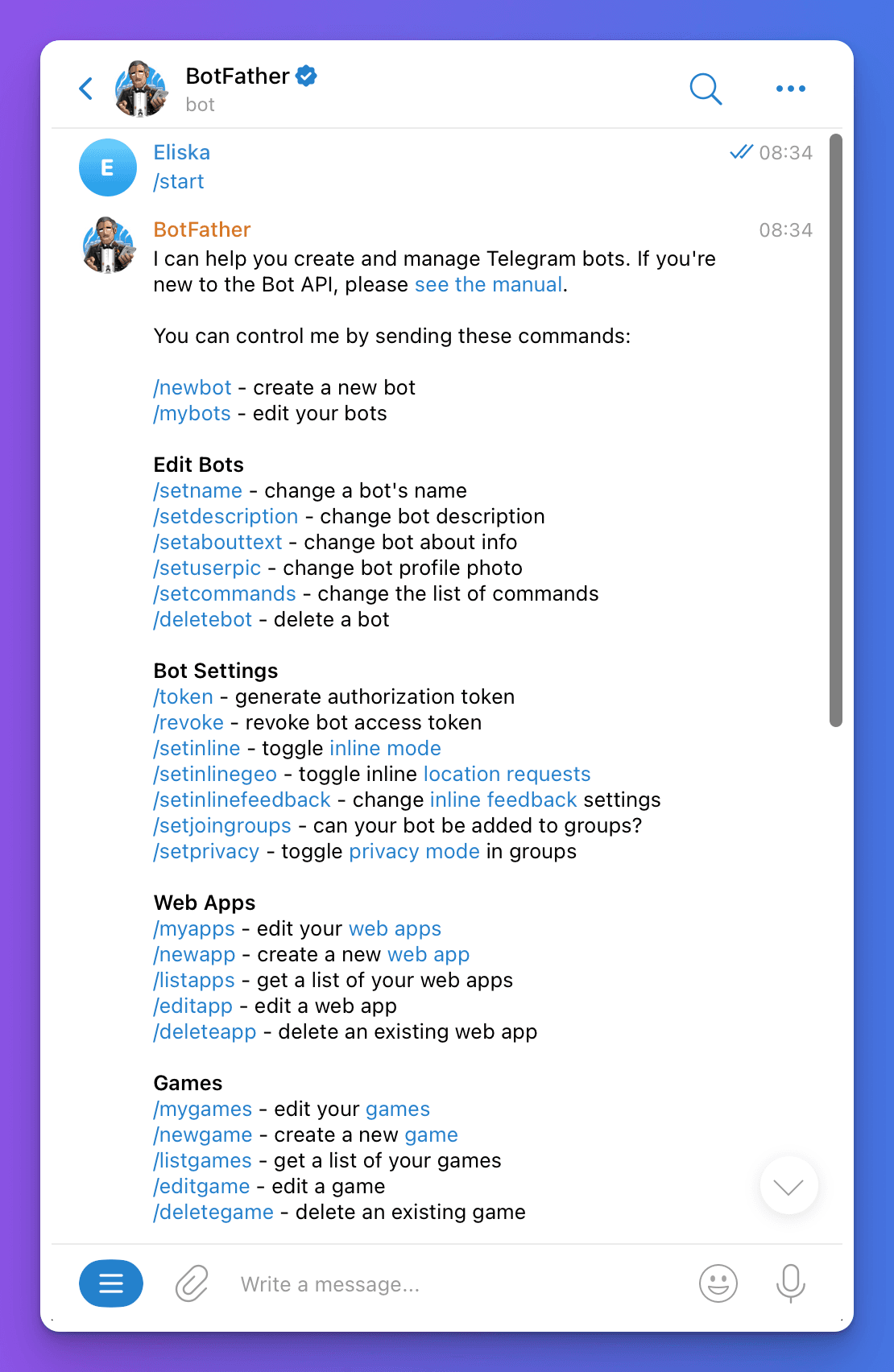
- To create your bot, click on the
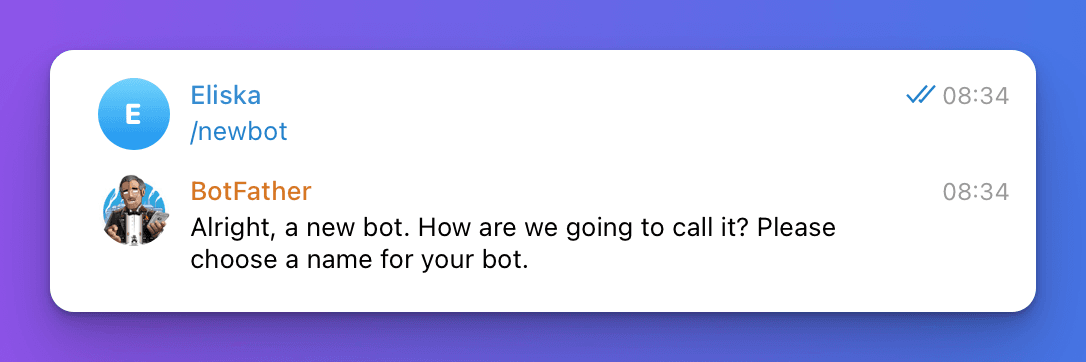
/newbotlink. You'll then be prompted to provide a profile name for your bot. Simply send a message with your bot's name.
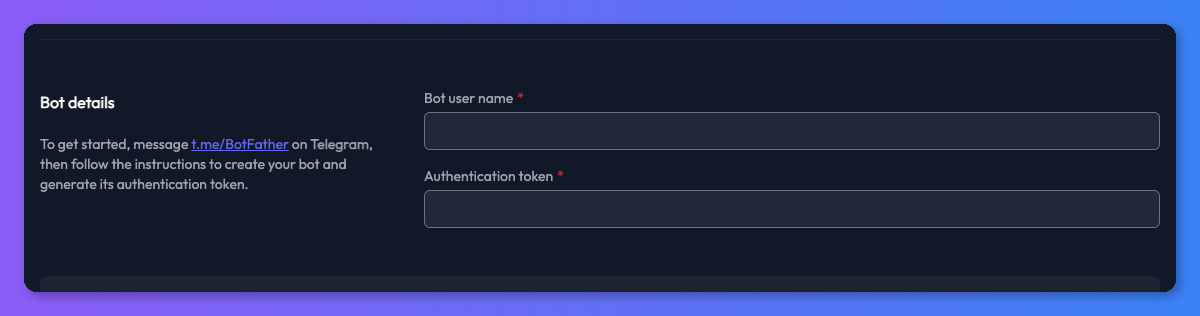
Next, you'll need to give your bot a username. This needs to be unique and must end with the word "bot". After you've provided a username, you'll be given a token. We'll need this token, so copy it and return to the Chat Thing interface.
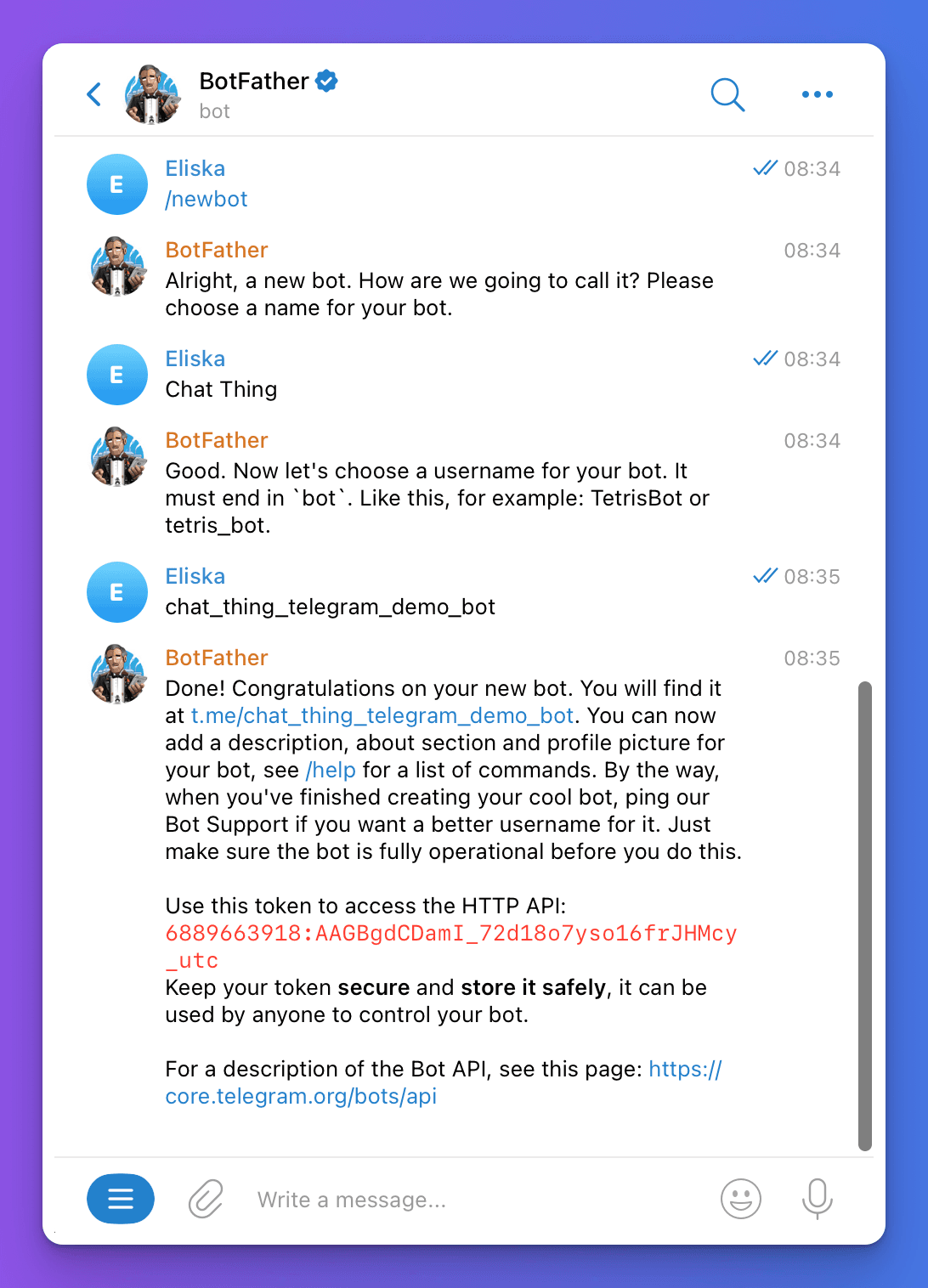
- Paste the token you just copied into the "Authentication token" input, fill in the username, and click the "Update settings" button. That's it — you're done! You should be able to test your bot by starting a chat using the link the BotFather provided along with your token. It's in the format
t.me/{your-bot-username}.