Power-ups
Talk to a Human Power-up
The Talk to a human power-up gives your bot the ability to send you an email when your customers want to escalate the chat to a human, providing a personalised and responsive customer support experience.
The easiest way to see how this power-up works is to watch the first part of the below video:
Talk to a human power-up setup
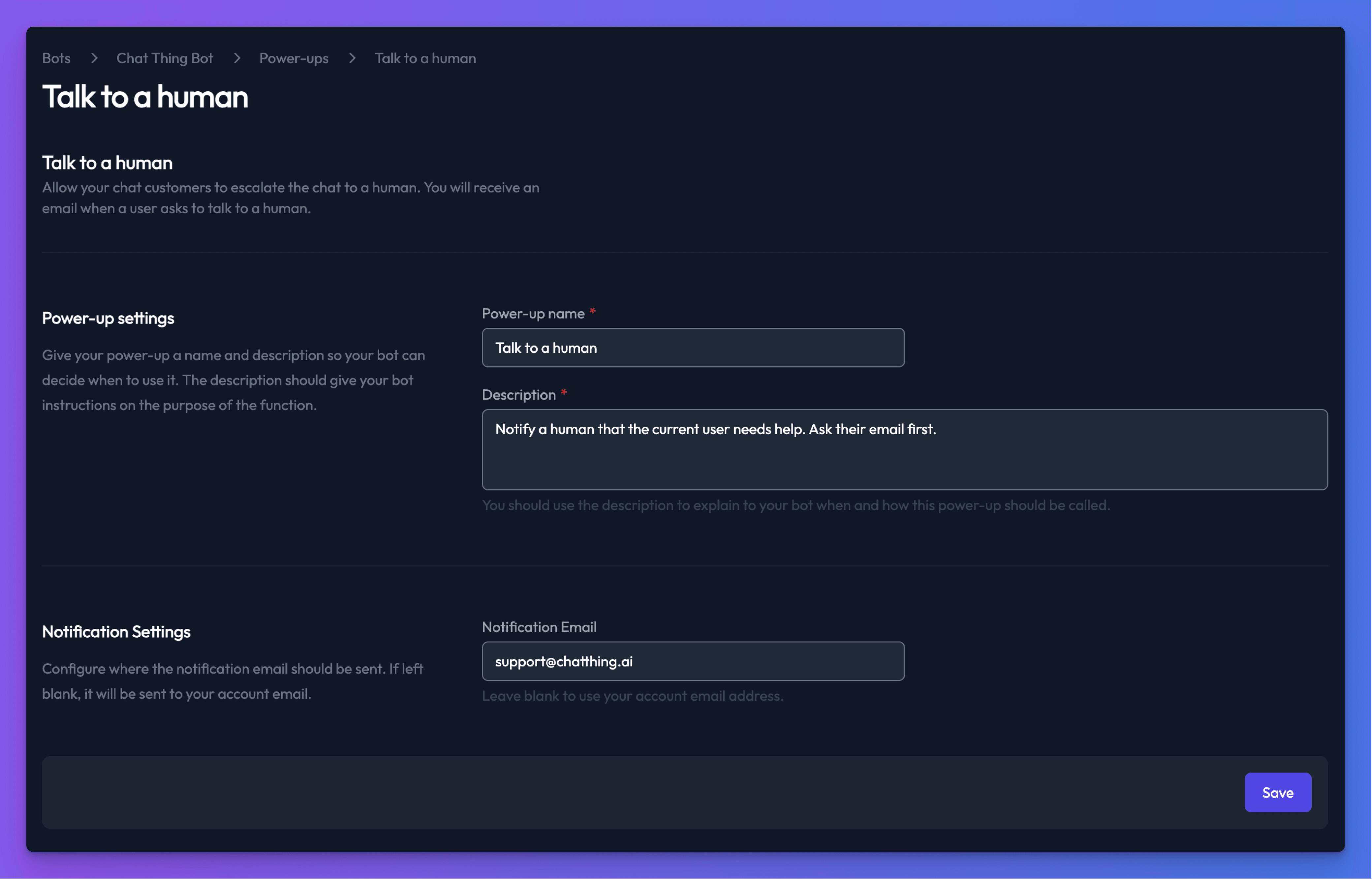
To add a Talk to a human power-up, navigate to the Power-ups tab on your bot’s dashboard. Select the Talk to a human power-up and click the Create power-up button.
- Power-up name - Provide a name for your power-up, making it easy to identify and manage.
- Description - Add a description so your bot can decide when to use the power-up.
- Notification Email - Who should be notified about escalations? Defaults to your user account email.
How it works
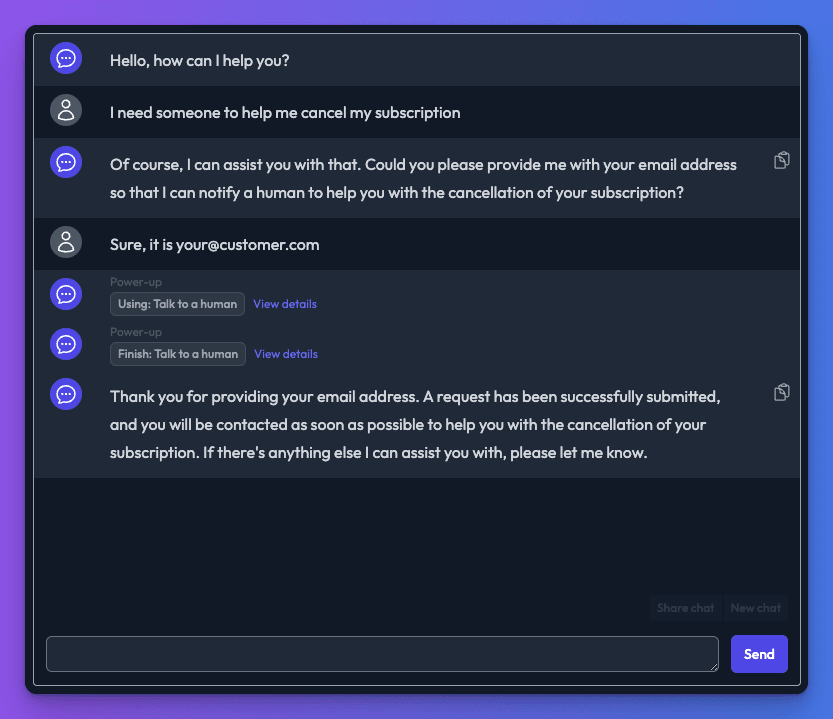
Your bot will decide when to use the Talk to a human power-up based on the instructions provided in the power-up description. The bot will ask the user for an email address as part of the conversation. After the user provides an email address, your bot will send you an email with the conversation details.
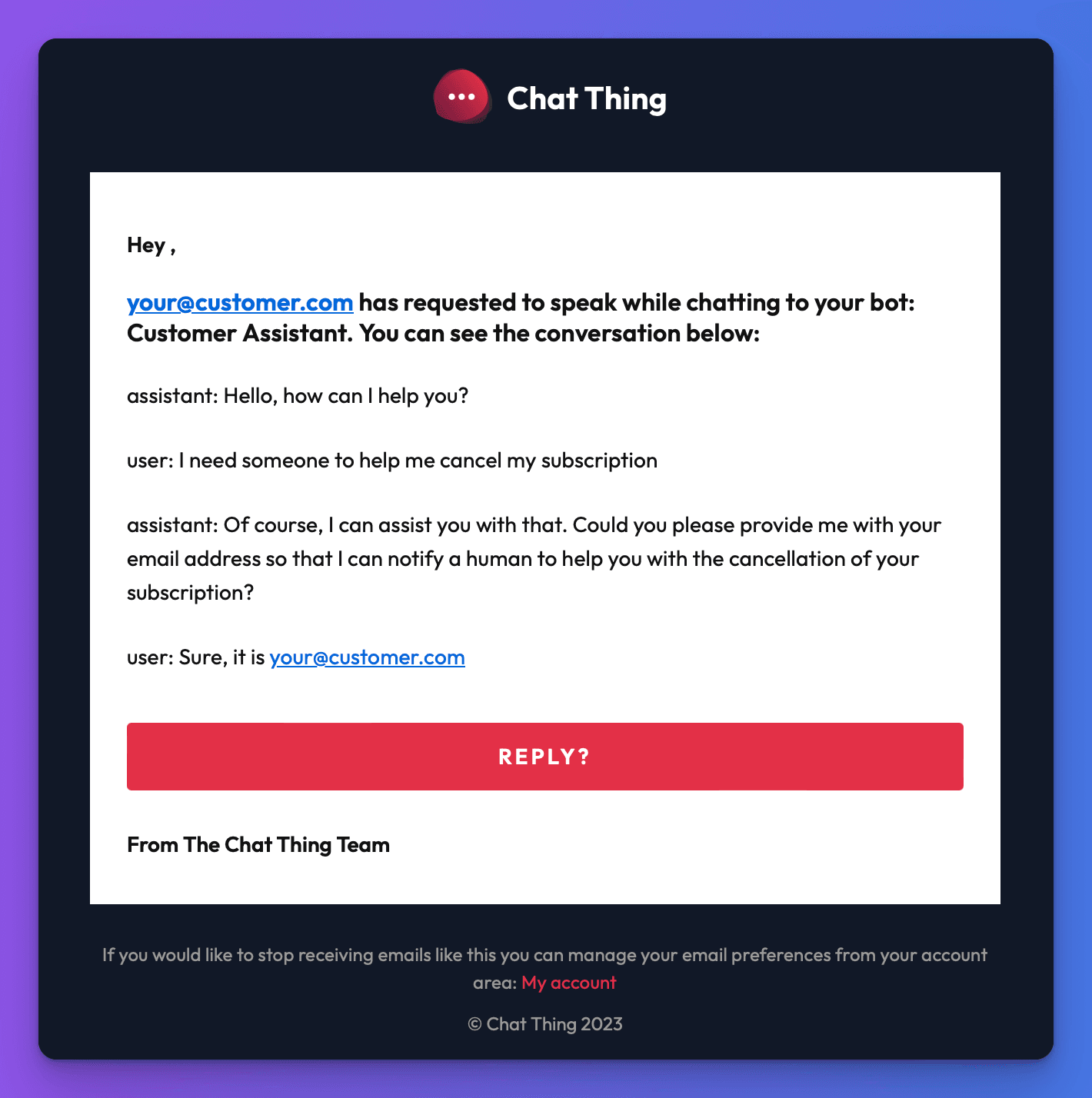
An email containing the user’s email address and the conversation will be sent to you.
Human takeover (live chat)
If your bot uses the web channel and has Human takeover enabled in bot settings, the Talk to a Human power-up does more than just send an email — it also changes the conversation state to Escalated, allowing a team member to claim the conversation and chat directly with the customer in real-time.
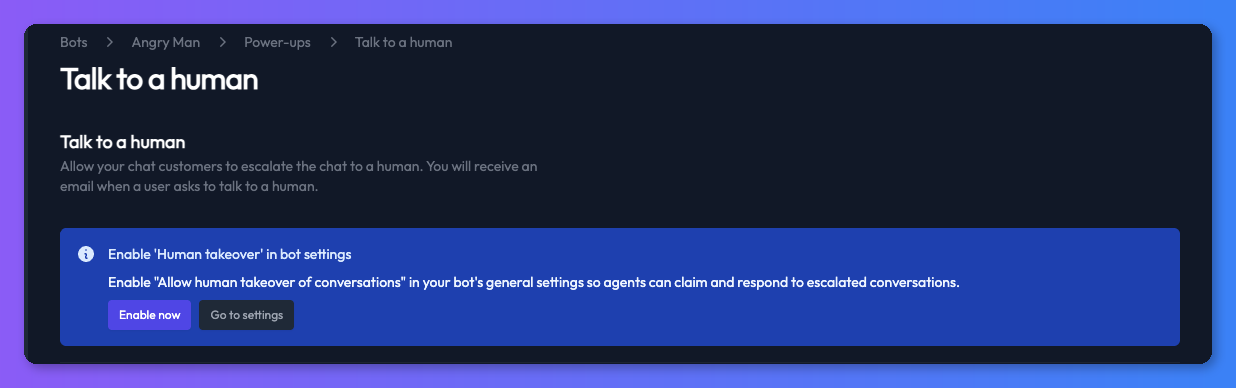
For full details on setting up and using human takeover, see Human takeover.